Designed for use on the production line
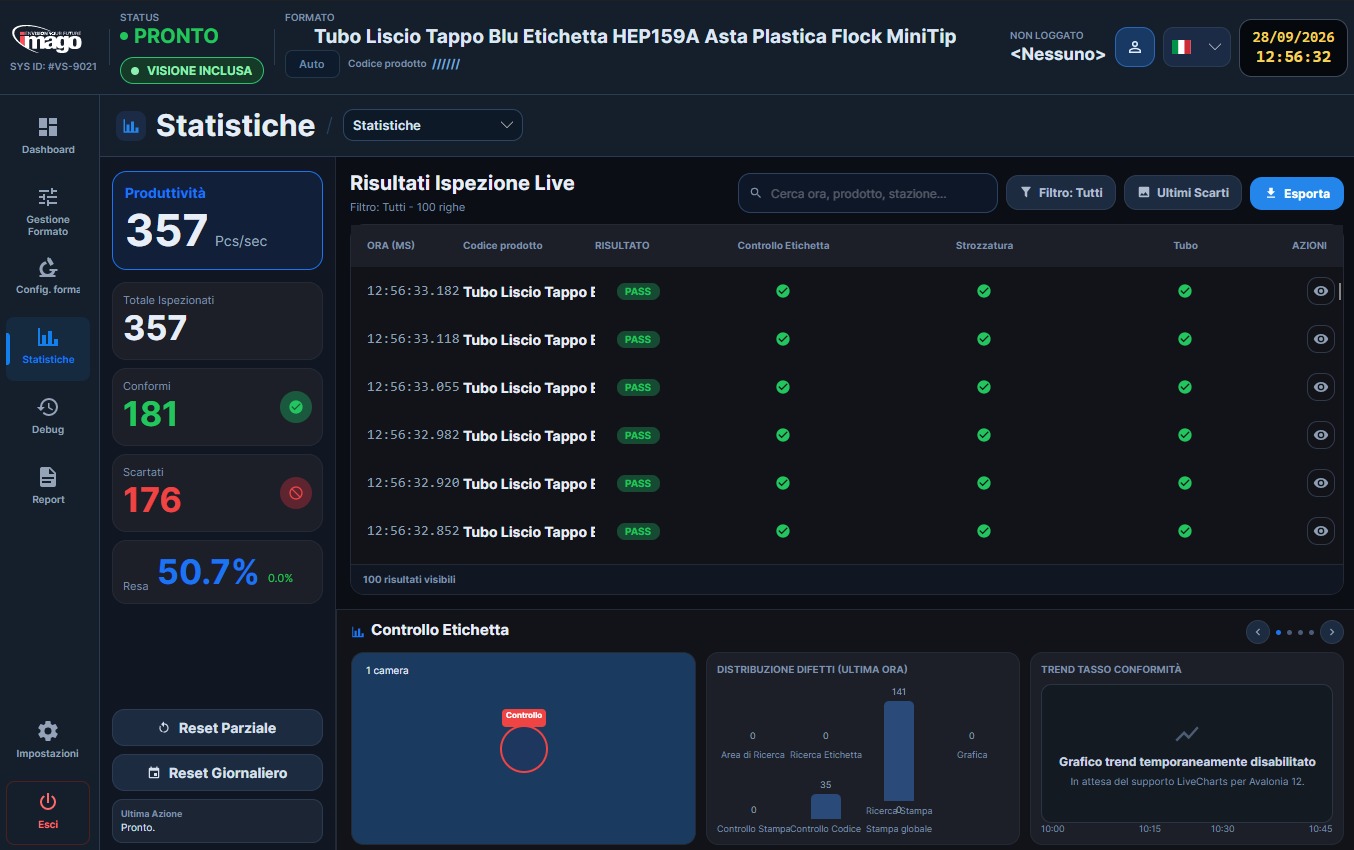
The inspected image, the result and the reason for a reject stay up front; everything else is one touch away.
- Result and part image always in view
- Routine controls on touch screens and PCs

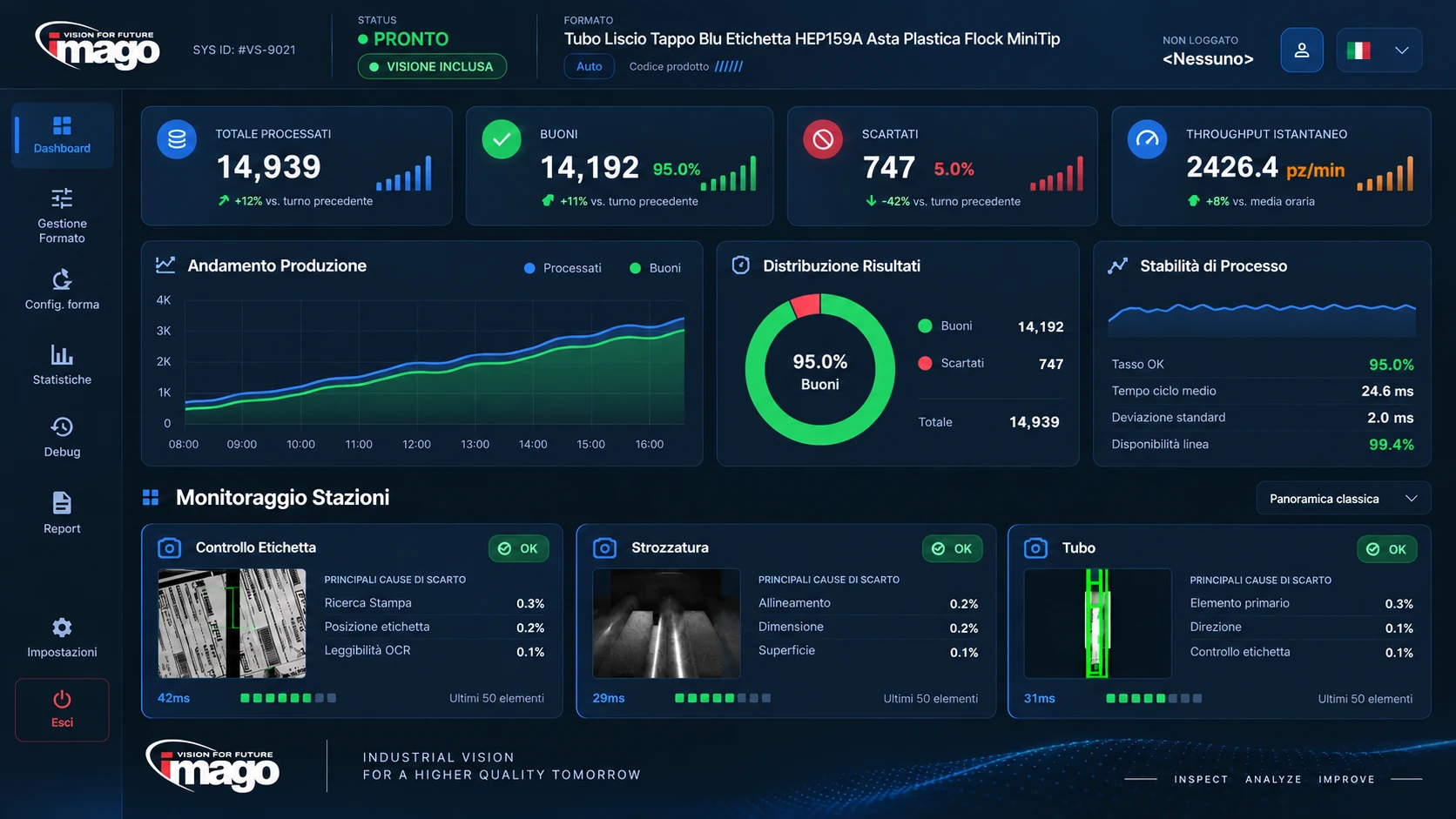
Line inspection, production data and the tools to work with them.
The inspected image, the result and the reason for a reject stay up front; everything else is one touch away.
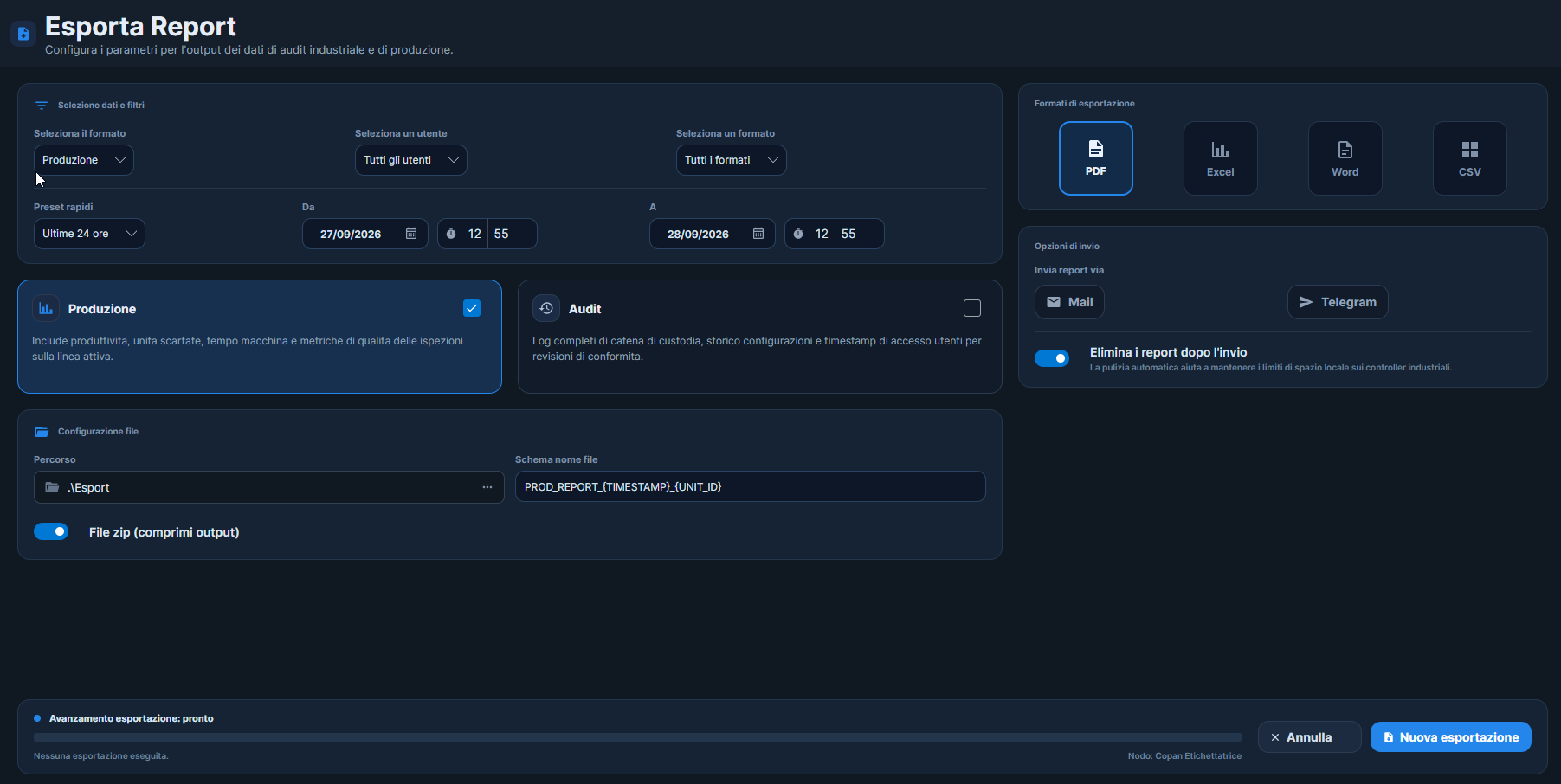
Inspection data becomes on-screen charts and trends, or PDF reports to share with quality teams and customers.
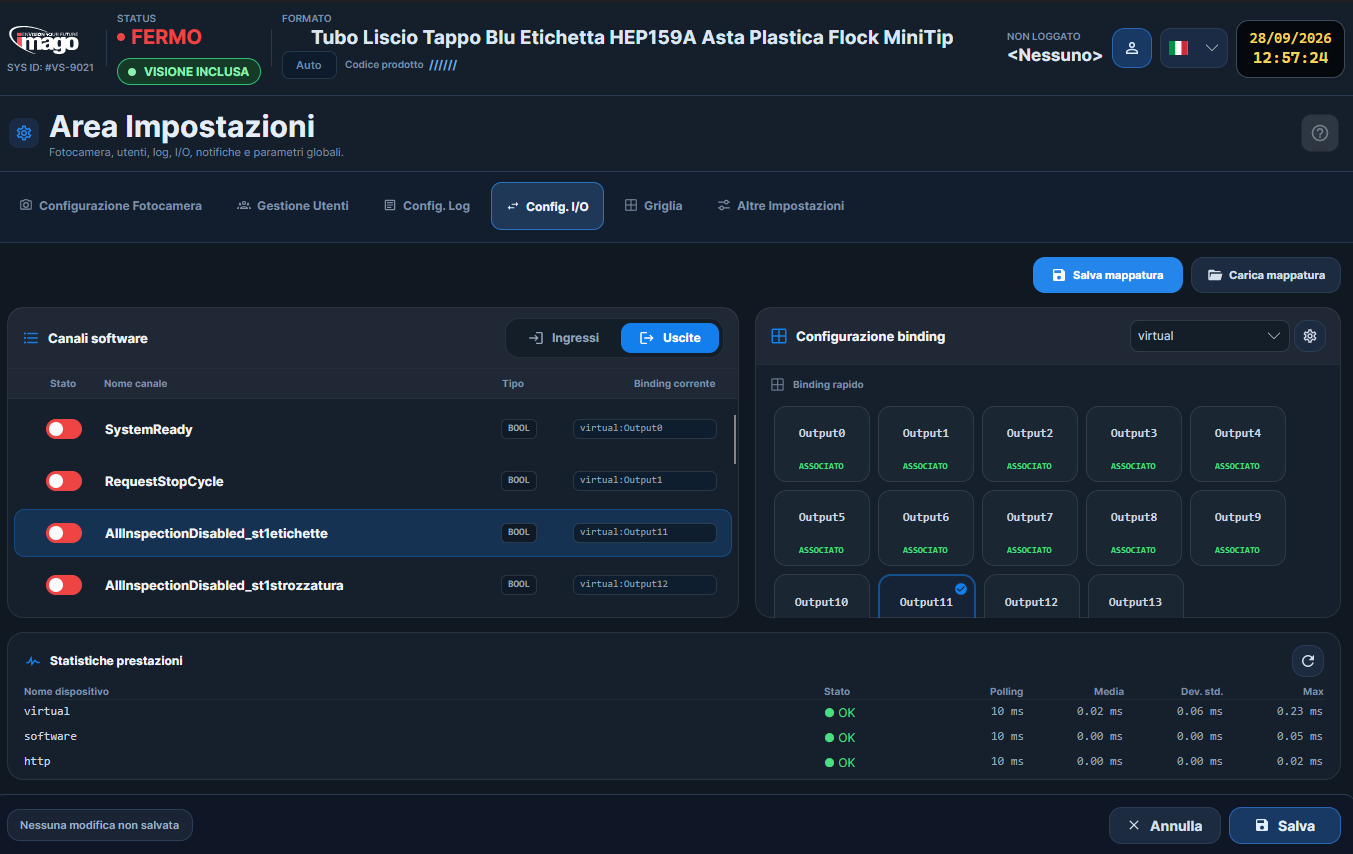
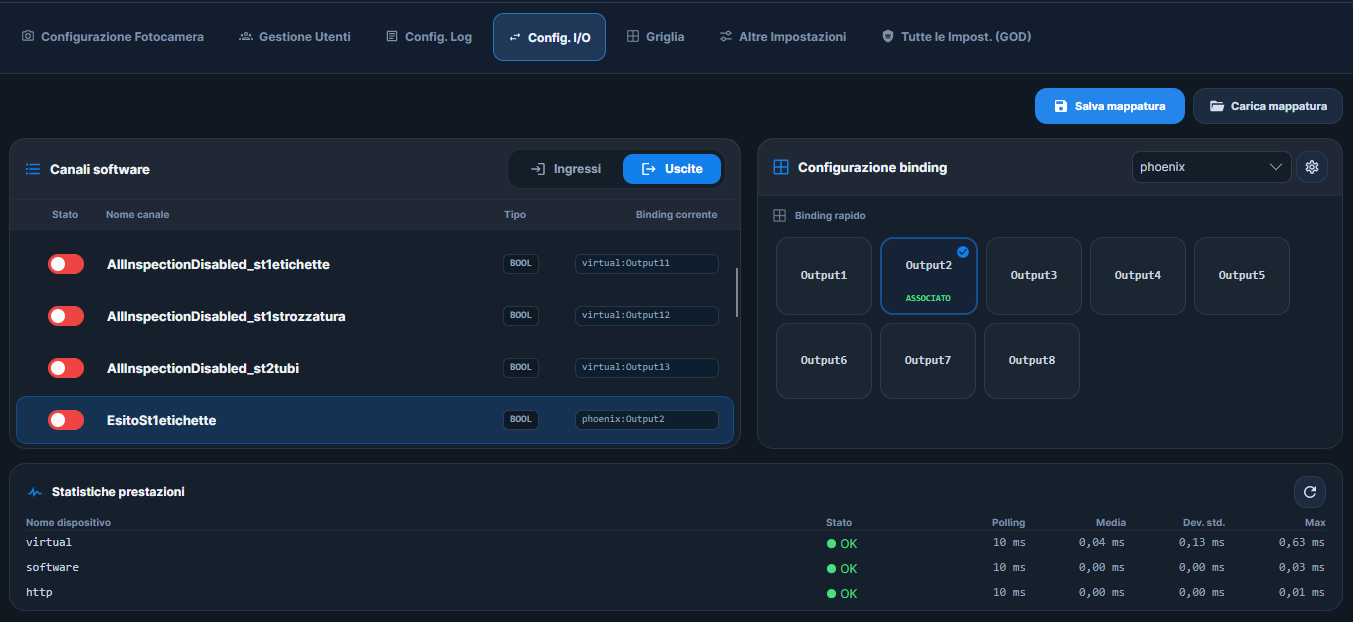
Results, commands and formats flow between the platform and the line, all the way to plant systems.
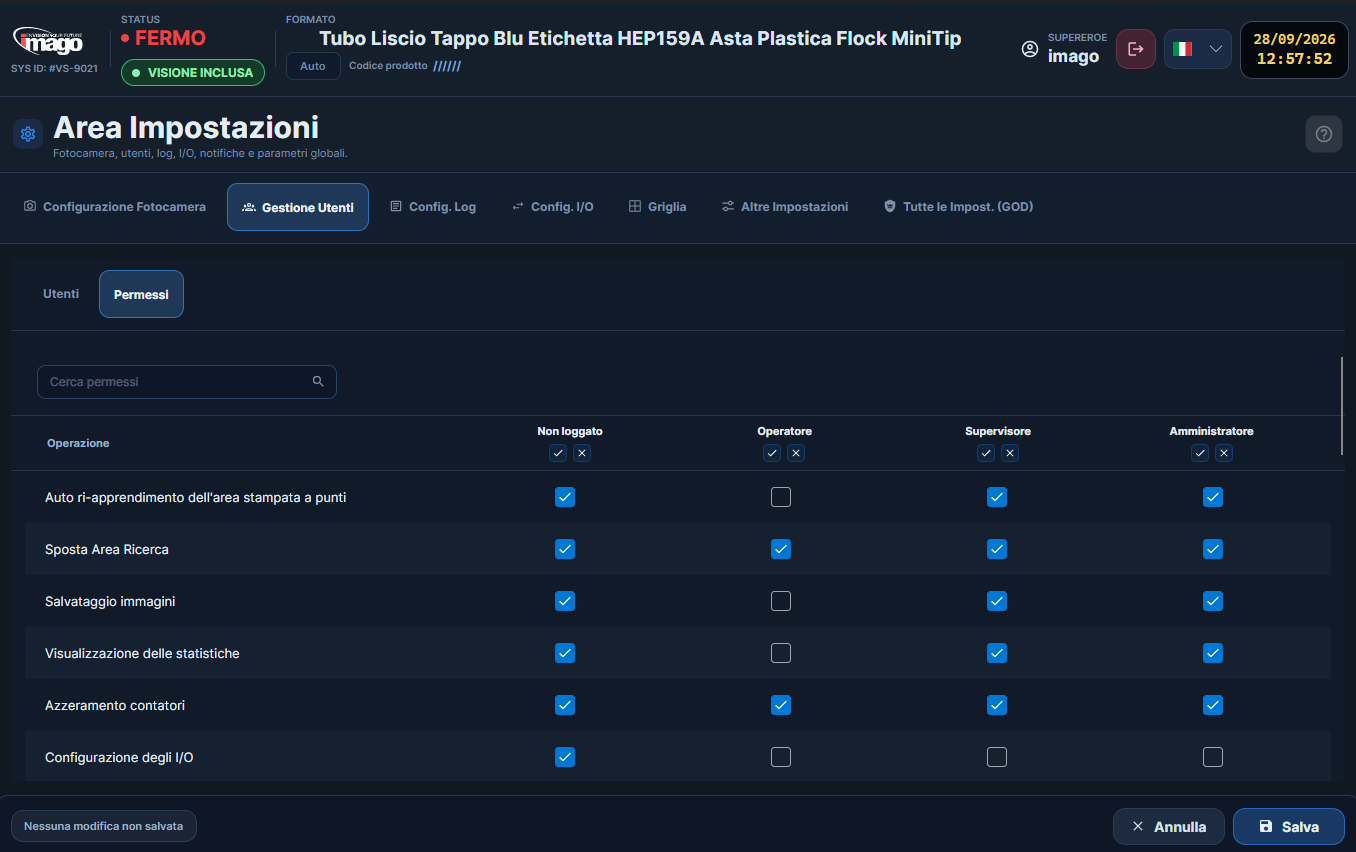
Everyone signs in with their own profile and sees only what their role allows.
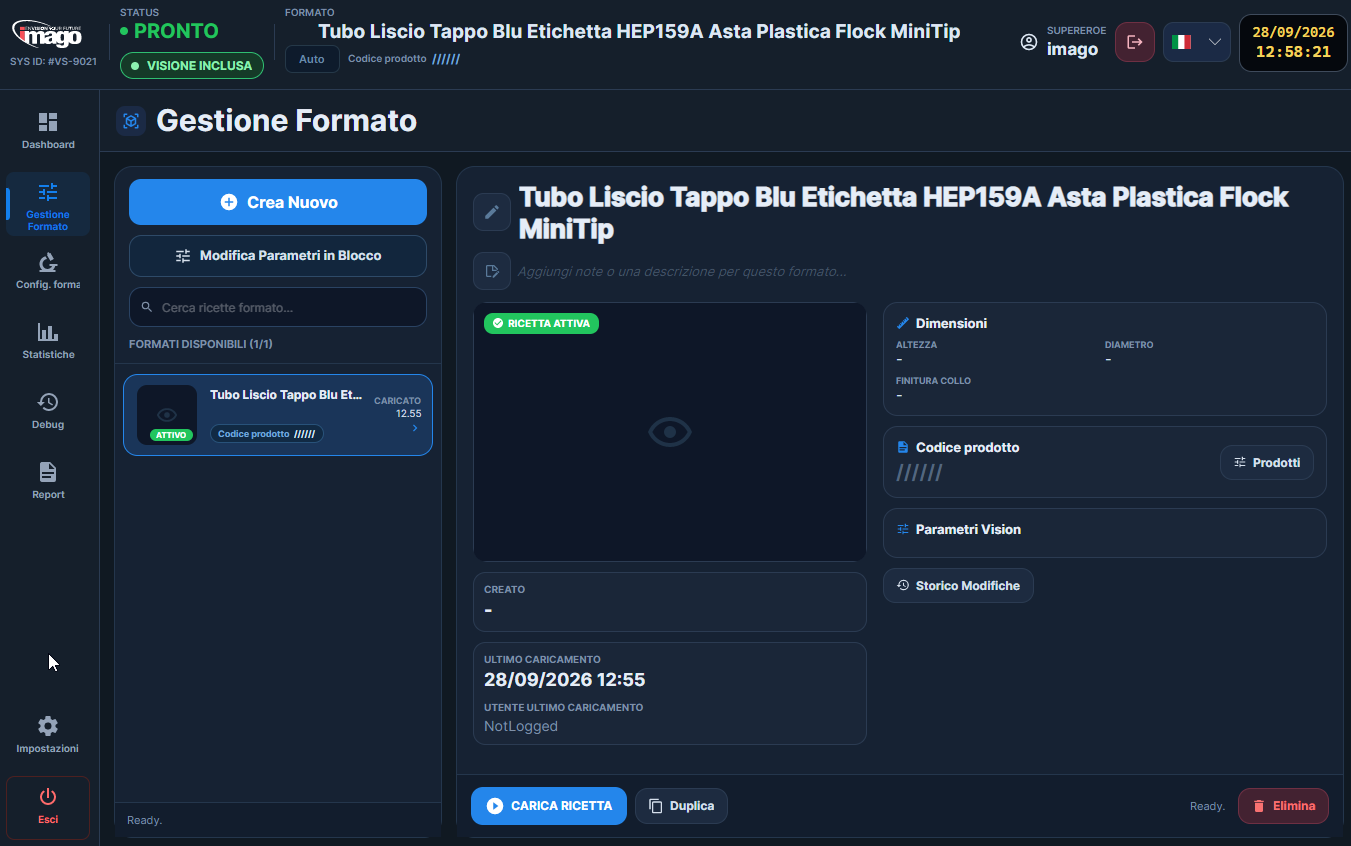
Each product has its own format and parameters: create, edit and recall it at every production changeover.
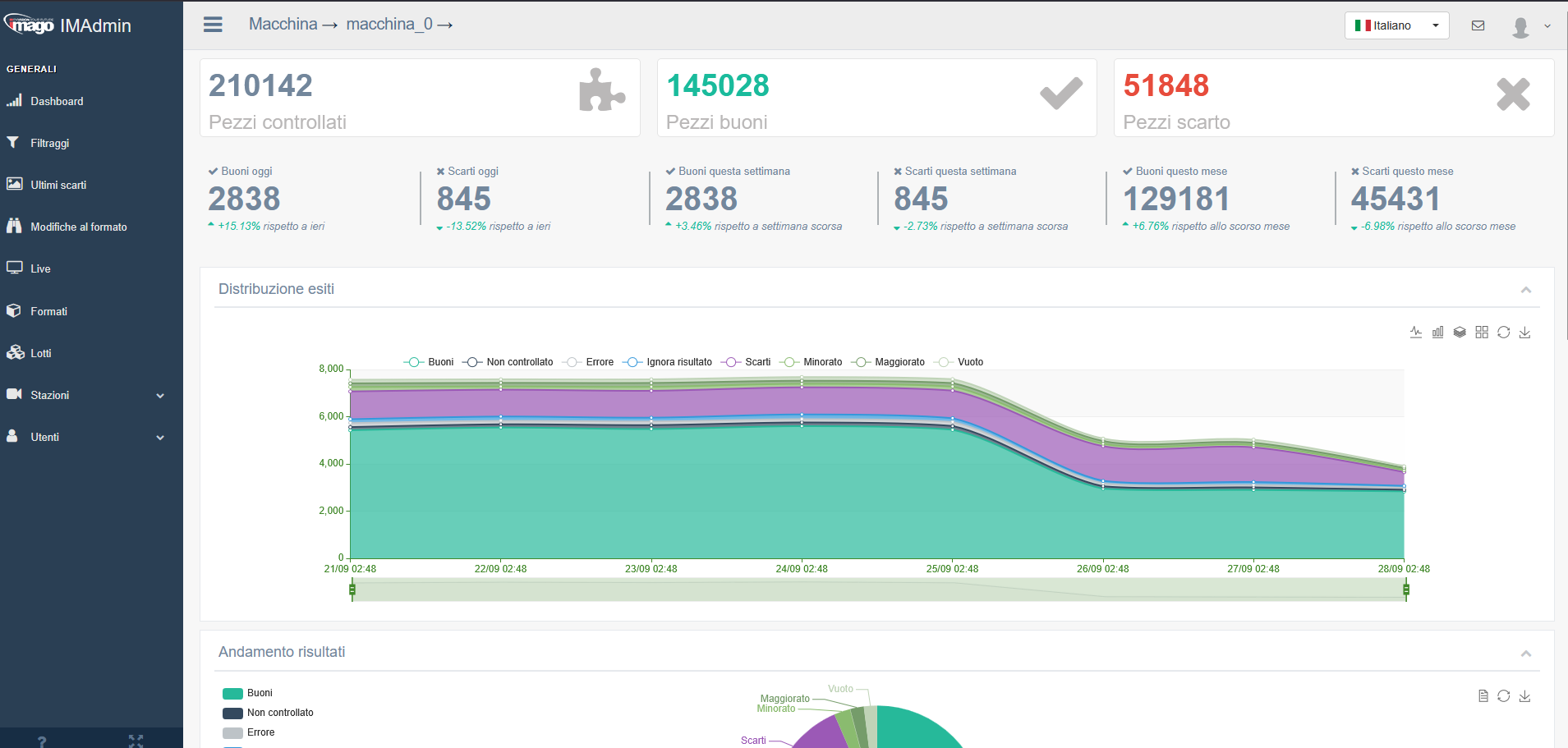
View inspected, accepted and rejected part counts and the distribution of inspection results in your browser.
Explore the production period and compare the distribution of results, accepted parts and the different reject categories.
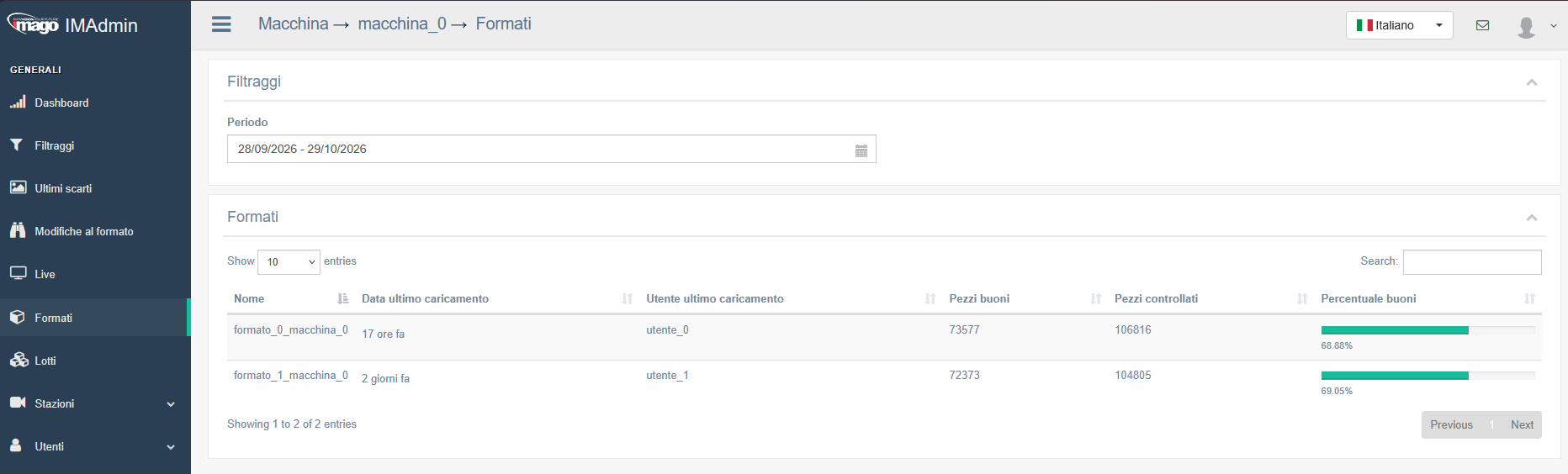
For each format, view inspected and accepted part counts and the accepted percentage, alongside the date and user of the last load.
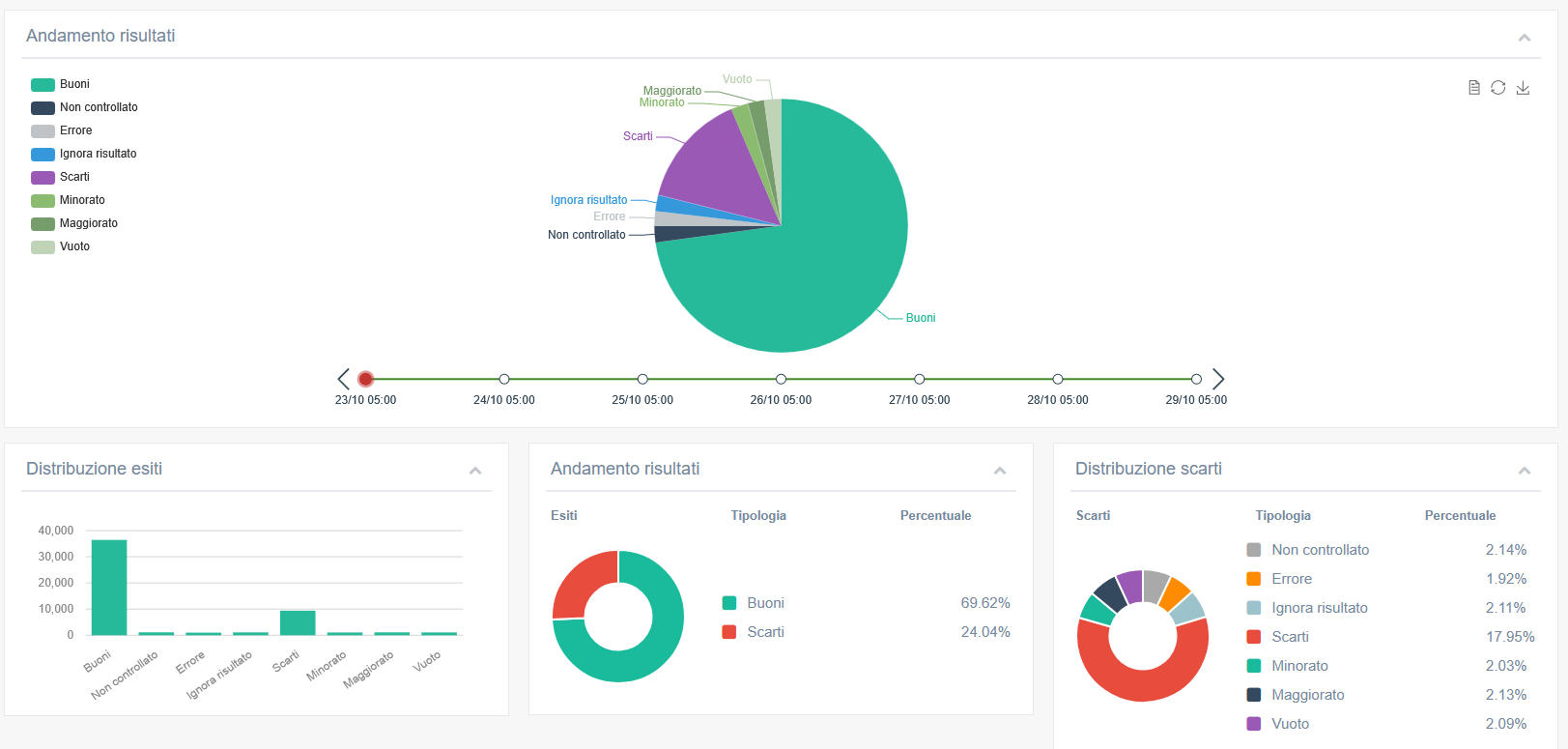
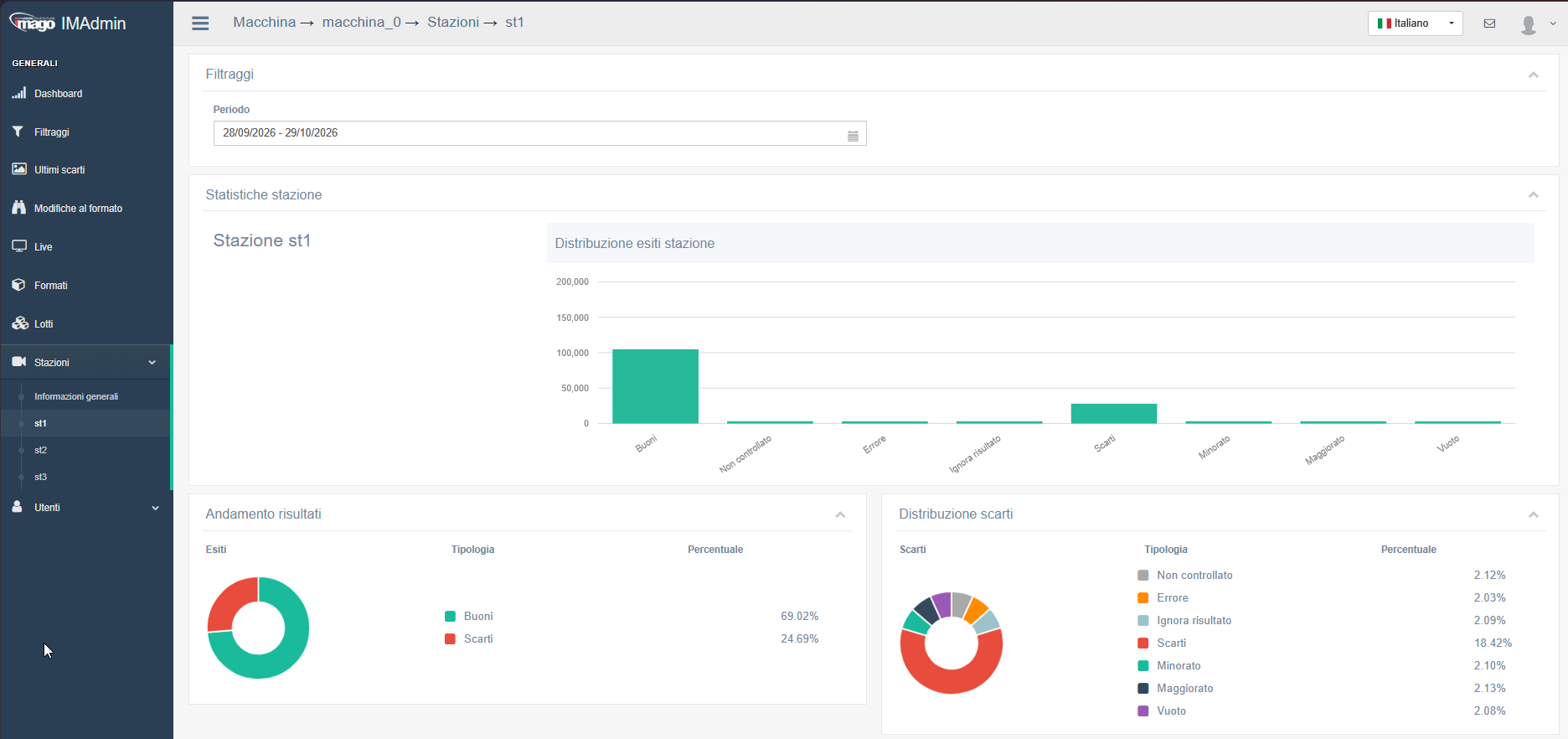
Select a station and a period to review result distribution, the accepted share and the reject breakdown.
Tell us about the component, the defects to detect and your production conditions.
Describe your problem